

A fake virus alert takes over the whole browser window, often with a loud voice or a beeping sound, and tells you your computer is infected or locked. It shows a logo you trust and a phone number to call “immediately”. It is a web page pretending to be a system warning, and nothing on your computer has been scanned. The page wants one thing: for you to call. The steps below close it without giving it that.
How to close a fake virus alert
- Do not click anything inside the page. The “OK”, “Cancel” and “Scan now” buttons are part of the page, and some of them start a download or open another window.
- Leave full screen. Press Esc. Many of these pages put the browser into full screen so you cannot see the address bar or the tabs.
- Close the tab. Press Ctrl+W. If the page shows a “Leave site?” dialog, choose Leave.
- If the browser does not respond, end it. Press Ctrl+Shift+Esc to open Task Manager, select the browser and choose End task.
- Do not restore the old tabs. When you reopen the browser, it may offer to restore your last session. That brings the scam page back. Open a new tab instead.
What is real and what is fake?
Microsoft is unambiguous about the most important sign. Its page on tech support scams says: “Genuine Microsoft error messages never include a phone number to call.” The same goes for every other real security product.
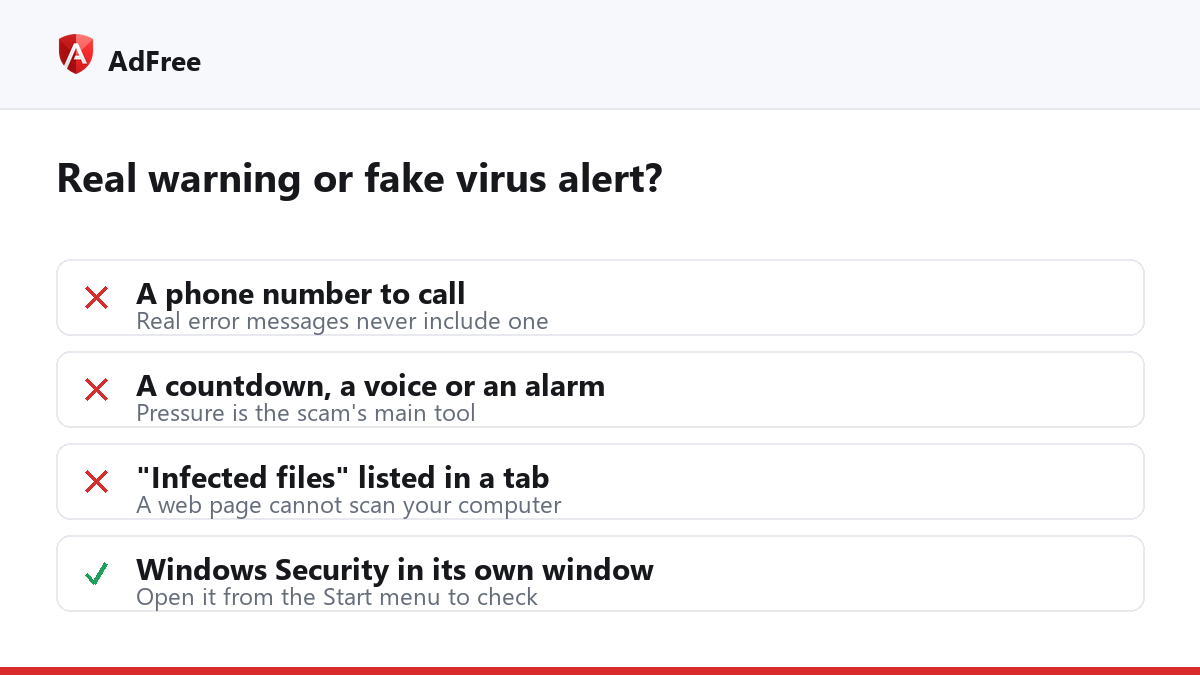
| What you see | Real warning? | Why |
|---|---|---|
| A phone number to call | No | Real error messages never include one |
| A countdown before your files are “deleted” | No | Pressure is the scam’s main tool |
| A voice or alarm playing from the page | No | Security software does not shout at you through a web page |
| A list of “infected files” inside the browser | No | A web page cannot scan your computer |
| A notice from Windows Security in its own window, no phone number | Possibly | Open Windows Security yourself from the Start menu to check |
What never to do
- Do not call the number. The person who answers is the scammer, and the call is how the scam starts.
- Do not install anything they name. Remote-access tools give a stranger control of your computer.
- Do not pay. No real support service asks for gift cards, cryptocurrency or a wire transfer.
Microsoft also says it “will never proactively reach out to you to provide unsolicited PC or technical support”, so an unexpected call claiming to be Microsoft is the same scam by phone.
If you already called or let them in
Disconnect the computer from the internet, uninstall any remote-access program they had you install, and run a full scan with Windows Security. Then, from another device, change the passwords for your email and bank, and call your bank if you paid anything or shared card details. You can report the scam to Microsoft through the page linked above, and in the United States to the FTC.
Why do these pages appear, and can a blocker stop them?
Most fake alerts arrive through advertising: a malicious ad that redirects the page you were reading, or a window that opens behind your browser when you click. Our guide on pop-under ads explains that trick. AdFree blocks requests to ad networks and refuses windows that open without a click, as well as a second window from a single click, which removes the most common routes in.
It will not catch every case. A scam page you reach by clicking a link in an email, or one that opens in the same tab as your click, can still load. If one does, the closing steps above are the same.
Some fake alerts also arrive as notifications from a site you once allowed. If the alert appears in the corner of your screen rather than in a tab, see our guide to notification spam.
Frequently asked questions
Did the page infect my computer?
Seeing the page does not infect anything by itself. The risk is in what you do next: calling, downloading or installing. If you downloaded something, run a full scan.
Why does the alert come back every time I open the browser?
Either the browser is restoring the old tab, a site has notification permission, or an extension is opening it. Check those three in that order.
Can I report the page?
Yes. In Chrome you can report a deceptive site through Google Safe Browsing; Microsoft and the FTC take reports about the phone scam itself.
A fake virus alert is loud, but it is only a page. Close it from the keyboard, never call the number, and keep the routes it arrives through shut.
Stop paying attention to ads you never asked for
No account. No tracking. No cost.